 |
 |
|
|
 |
|
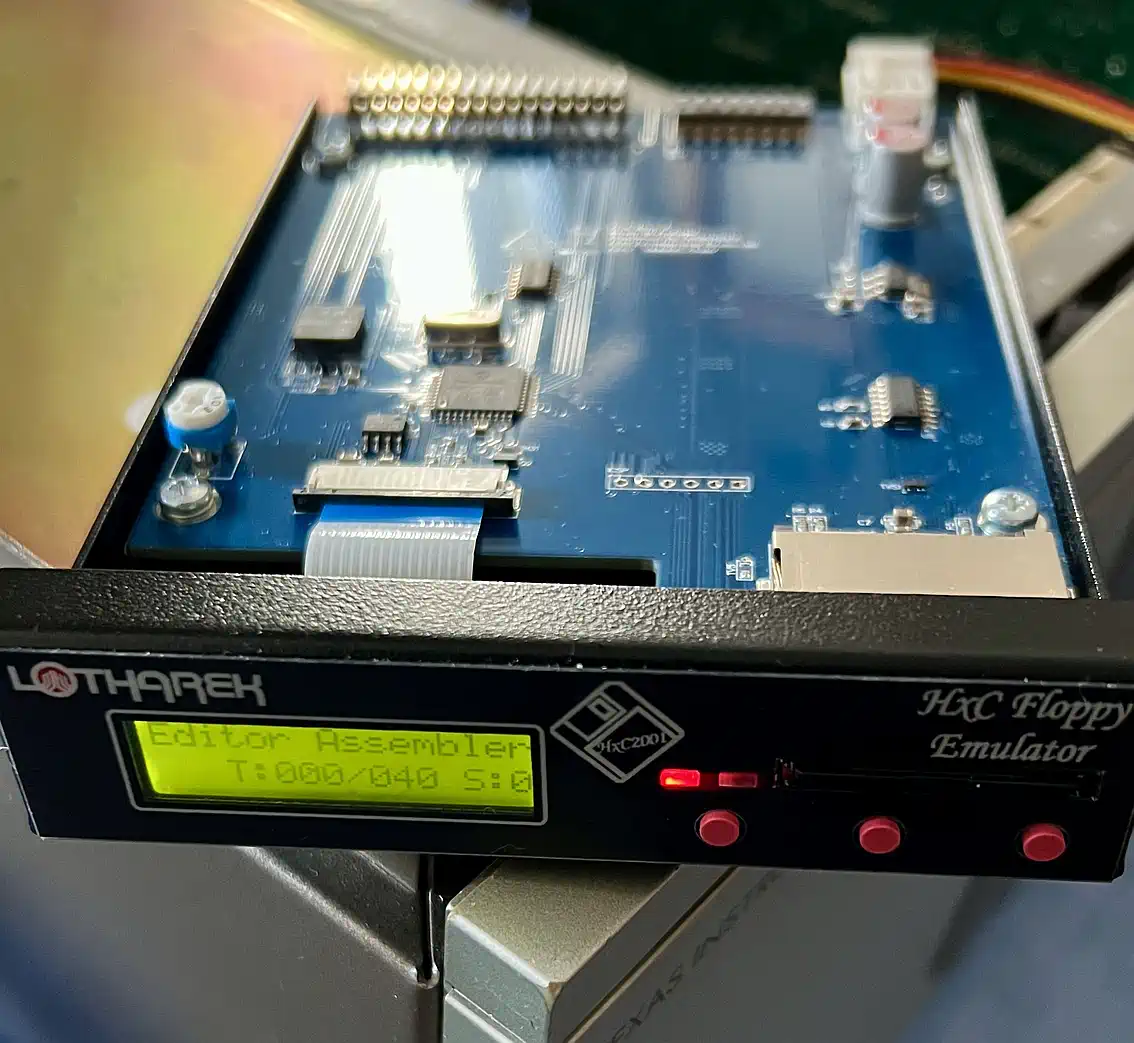
The HxC floppy emulator is a project by Jean-François del Nero, the hardware is provided by Przemyslaw Krawczyk alas
Lotharek from Poland, and this happens - you need to mention this - in an extremly fast speed,
and with an exceptionally high build quality (unfortunately to a legitimate price tag of around EUR 120,- ...)! The basic design idea of this device was, to completely simulate a mechanical floppy disk drive in software, starting from the Shugart connector, while storing the disk data on a SD card, allowing to switch between different virtual disks using a really basic user interface. So - at first, this is intended as a replacement for defective floppy disk drives in all imaginable applications, which led to a very broad distribution of this device in a large variety of working environments - the website gives proof. If there is a 'drawback' for the TI user, then this would be the need for a real floppy disk controller - but in those cases, when you think about HxC, this should be given. The unbeatable advantage is the full software compatibility, since the HxC emulates to original disk bit-by-bit and the system cannot detect that we are simulating, since HxC also provides index pulses with different periods, sync markers and so on. | |||
Setup | |||
|
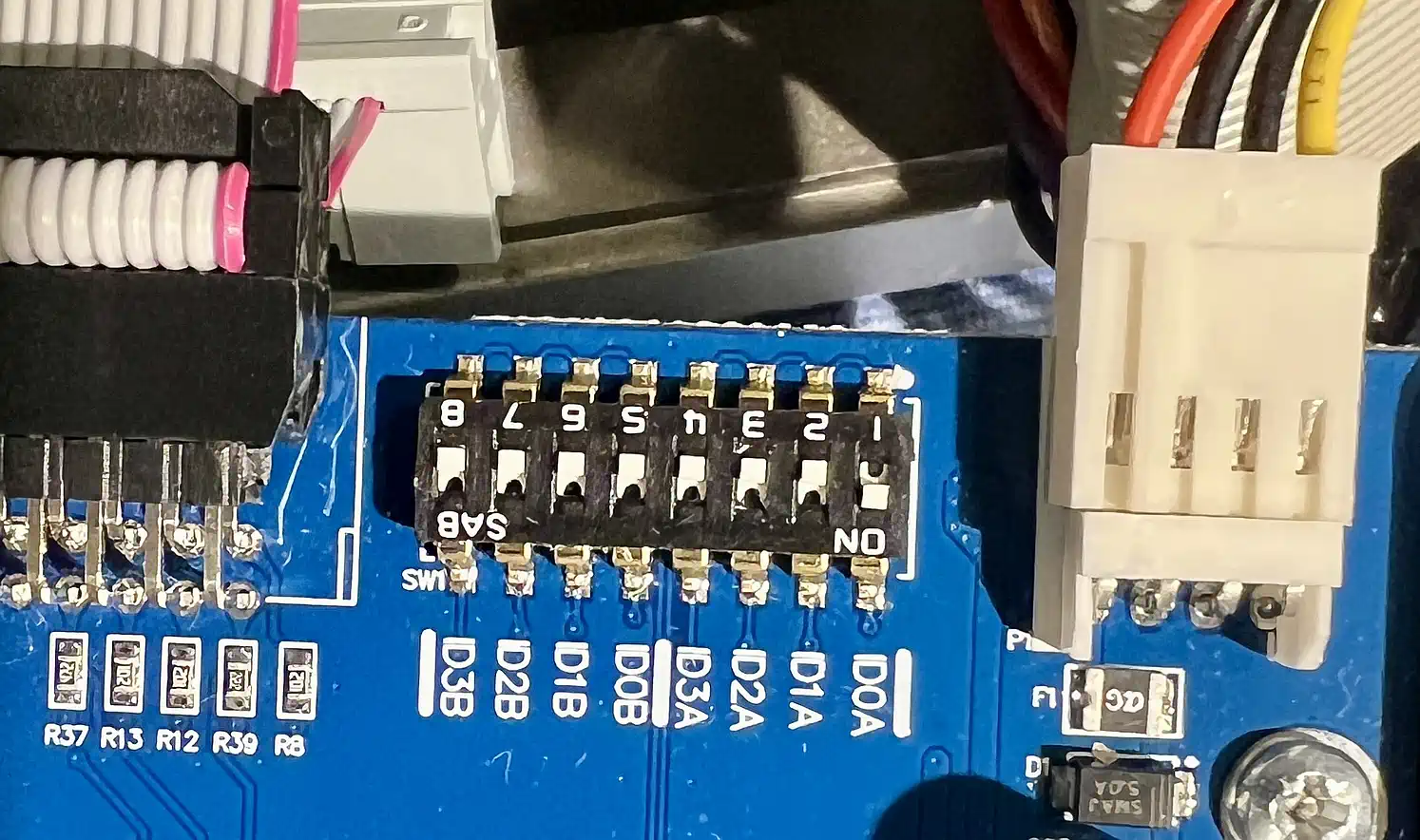
The power supply uses a common 3,5" floppy drive power connector (only 5V being necessary), and you need a 34 pin F-F cable to perform the data transfer from the controller to the HxC. Further on, you need to select the drive number(s) the unit will emulate, where you can select up to 2 drives simultanously - or you could, since the mapping of the SD images to each drive is not explained in the manual... The disk data is stored on a SD/SDHC card (formatted as FAT32, with a maximum capacity of 32GB) in a special format (HFE), managed and converted from other formats with an open source tool. By the way: the HFE format is supported by the xdt-Suite! Using HFE format is optional - you may store common TI-99 DIAFs (Disk In A File, formats: *.DSK or *.V9T9) directly on the SD card without converting them, which saves you some space, since a HFE file always is 1 MB in size due to the complete bitstream it contains. During operation you can switch between the 'floppies' at any time using the buttons on the front panel - drive change is handled (at least by HxC - check your FDC, if it does...). |
| ||
Practical use | |||
|
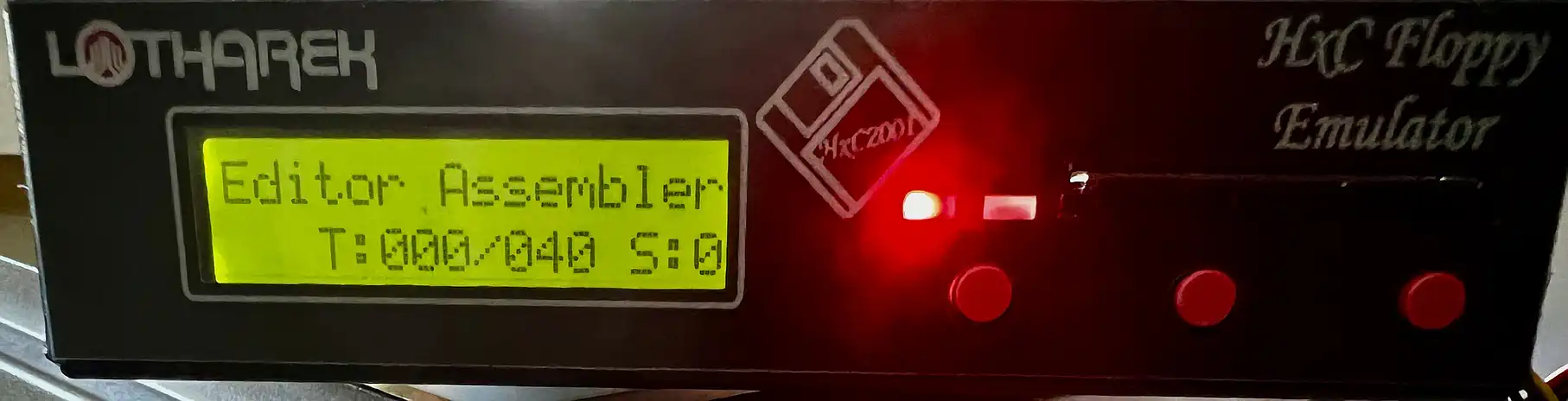
You realize it very fast: the display is too small, has too low contrast (you can configure nearly everything here, but not THIS) and is difficult to read.
Long titles are scrolled, for sure, but you will soon try to keep all filenames different already in their first 16 characters, to ease access.
Getting used to having just 3 buttons for image selection will not take long, and the volume of the acoustical feedback can be configured.
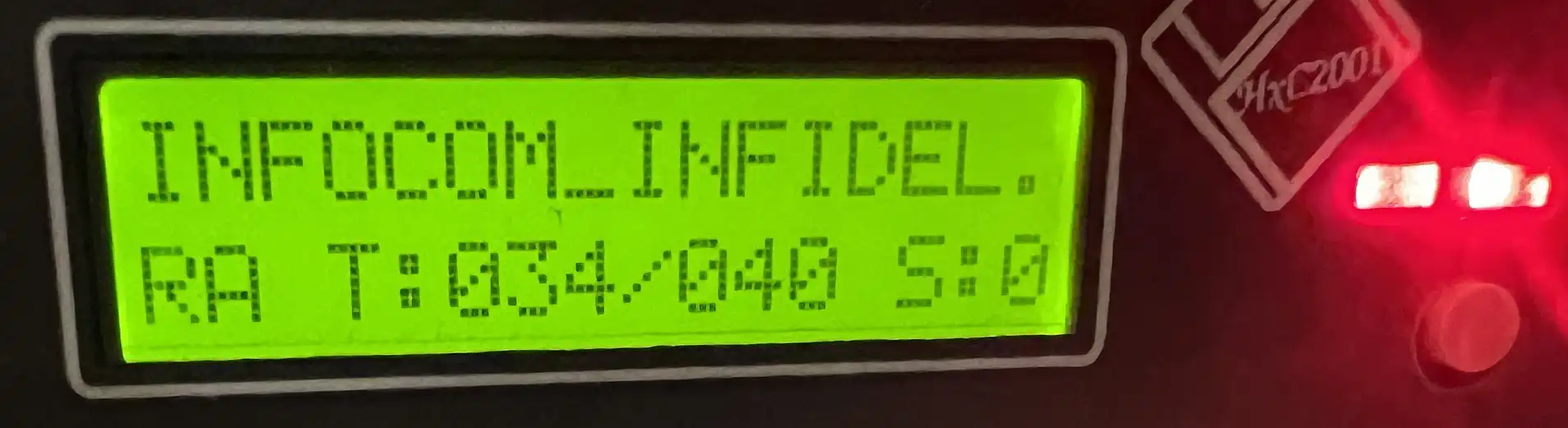
And this is essential, since this device was designed to be used in LOUD environments, just aside of a big machine... It also emits a little click to indicate the stepping of the drive heads - which I did not completely switch off, because it helps you detecting, if your software has stalled, or not - file I/O from Basic (including Extended Basic) will teach you why this may become helpful... During disk access, the display indicates not only the current track and side it is working on, but it also shows "RA" for read access, and "WA" for write access. This has proved to be very helpful when working with virtual floppies. Navigating through the files of a directory is - by the way - not really intuitive: the sequence of the titles is NOT really alphabetically, but it seems to happen in the order the files were stored on the SD card. This has to be observed when setting up the SD card. |
| ||
Conclusion? Ask Radio Erevan! | |||
|
Does it pay off to buy this device? Yes... in principle... but... For around one third of the price of this mechanically outstandingly manufactured unit (well, if you include shipping and that, it'll be half of it), you may acquire a Gotek SFR1M44-U100LQD from Aliexpress, put a HxC firmware on it (what I do NOT recommend), and you'll have a smaller, lighter (and yes - cheaper) unit, that has - instead of the SD card - a USB port, and - besides the rotary switch with push function - a comparably high resolution OLED display. It is immediately obvious, that this thing will probably not survive in a harsh industrial environment (the mostly flat front of the HxC has its advantages), but that's not what it should do - and using a CPU with a beyond 280&nsbp;MHz clock plus 384&nsbp;KB of RAM leaves enough room for updates... There is a separate article on the Gotek which may help making a decision - I myself don't regret having bought the HxC! | |||
| Contact: {anyname}@{use_the_url}.net |
All pictures on this whole website were made by myself. Should you find them elsewhere, they're stolen from here! |
Last updated: 2025-11-26 CW |